
What is WiseMindAI
WiseMindAI is a desktop app for macOS and Windows. It is a local-first AI knowledge workspace.
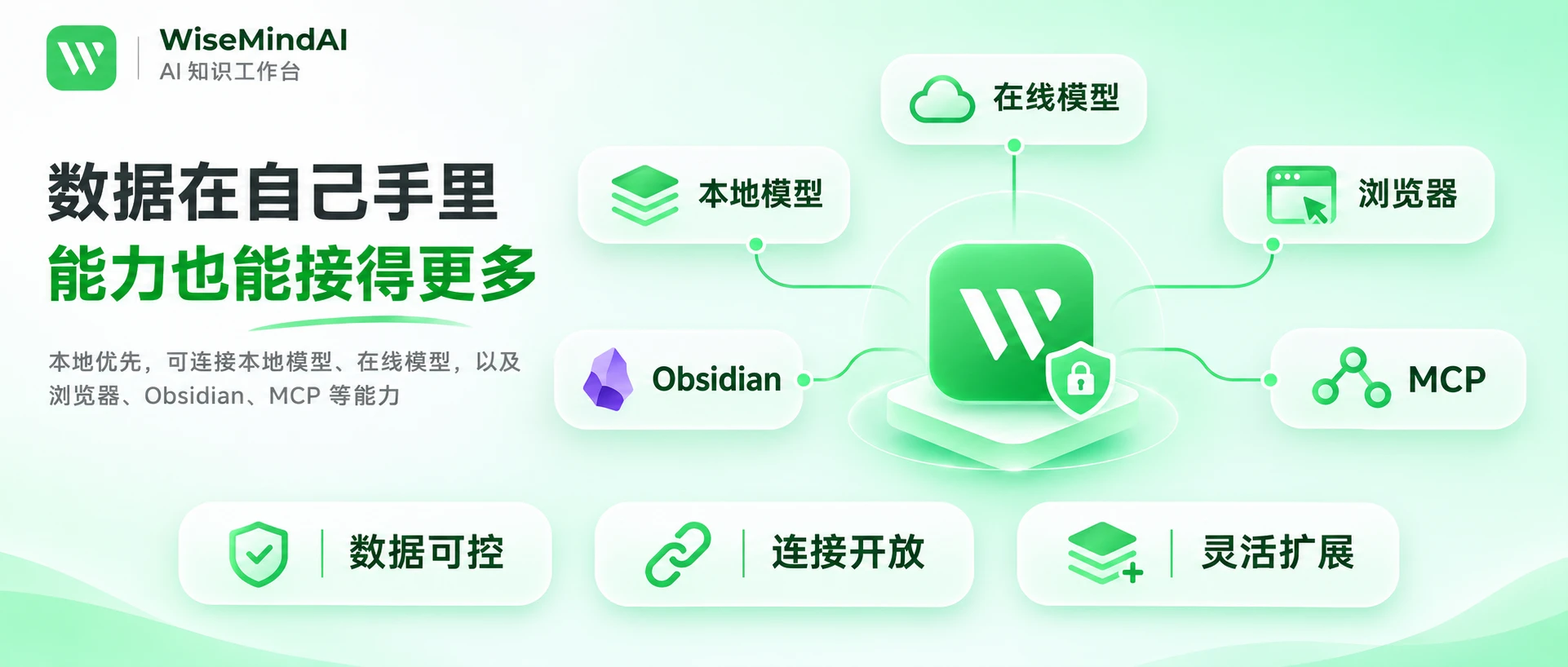
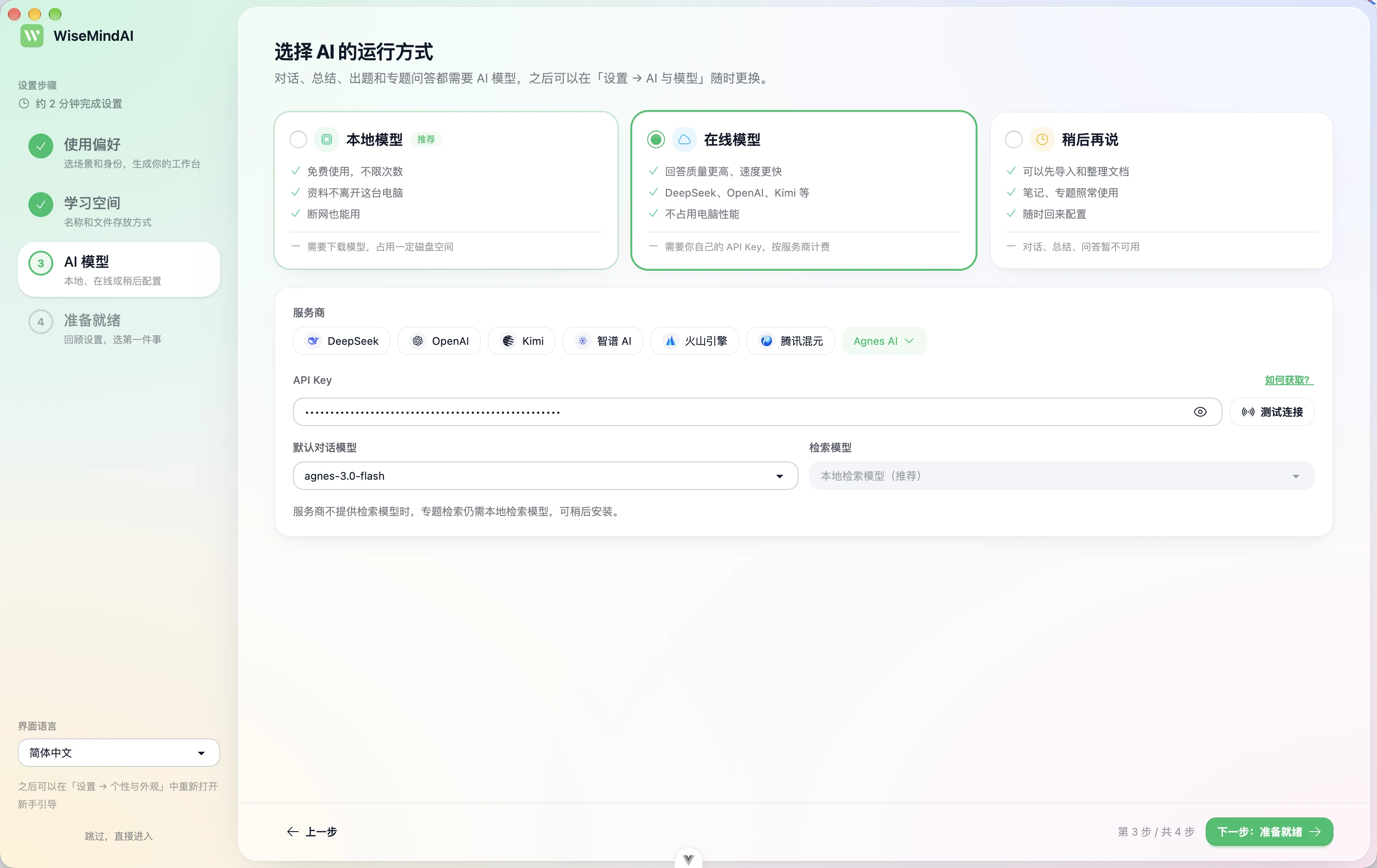
Materials, notes, topics, and review records stay on your computer by default. Summaries, questions, quizzes, and transcription use local or cloud models that you configure. WiseMindAI does not provide built-in model-call credits, and it does not charge a separate model-call fee.
It is not a general chatbot, and it is not a file vault only. It keeps import, understanding, asking, review, and output in one local workflow.
Core value
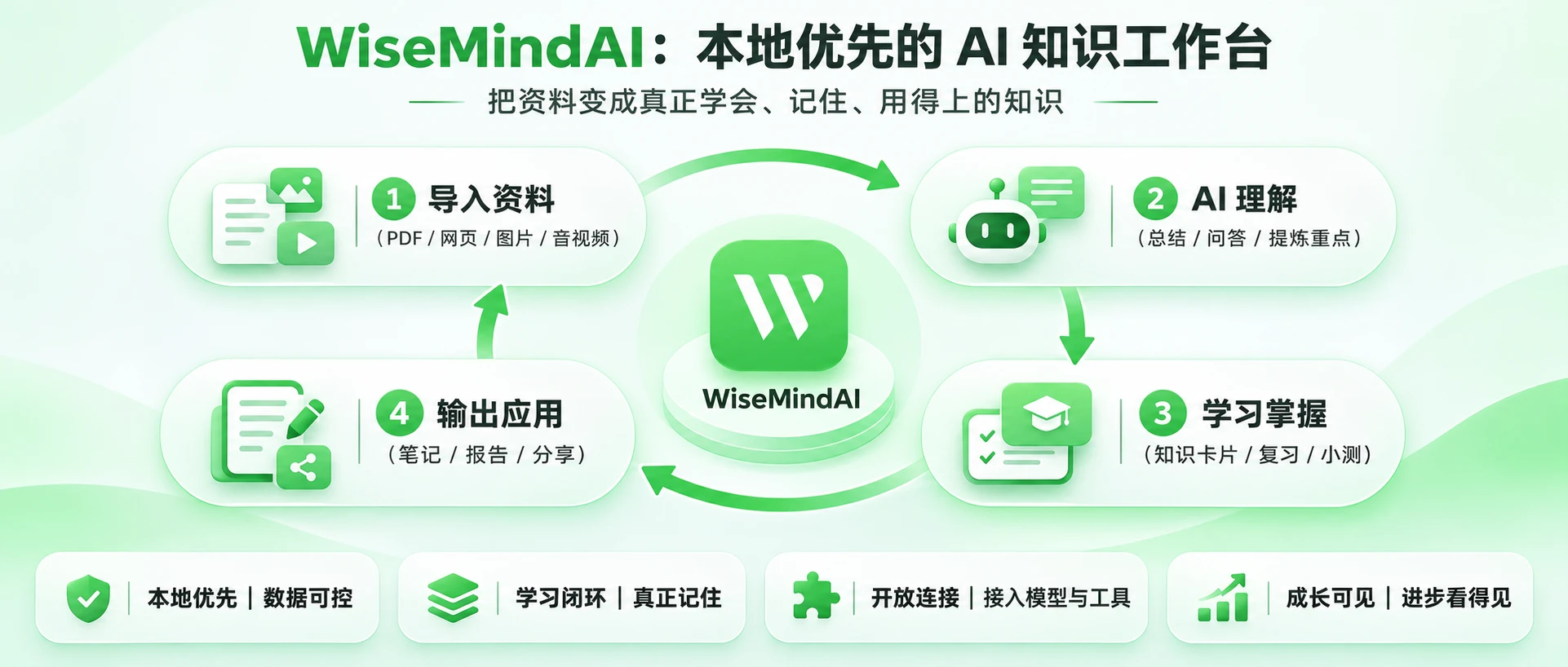
The value of WiseMindAI is not the number of features. It is that materials can move from “collected” to “usable”:
- Collect locally, then continue. Documents, web pages, recordings, and screenshots enter one material system instead of staying scattered across tools.
- AI results can be retained. Summaries, answers, and organized results can become notes, review cards, or file outputs, with a path back to the source when available.
- Learning can be checked. Review cards and quizzes help verify understanding, instead of stopping at reading and collecting.
- The same material can be reused. One item can support questions, notes, review, quizzes, tasks, and later output.
Core capabilities
The fixed sidebar entries are Home, My Materials, Ask AI, AI Task, Notes, and Apps. Most other features are provided as apps. For getting started, these capabilities are enough:
| Capability | Brief description |
|---|---|
| My Materials and Topics | Import and manage materials in one place; related items can join a topic for shared questions and organization |
| Ask AI | Explain and follow up on imported materials, with sources when available |
| AI Task | Run work step by step toward a goal, and save file results you can open |
| Notes | Turn personal understanding into content you can keep editing |
| Review and Quiz | Review with cards, and check mastery with quizzes |
| Apps and output | Open built-in apps such as transcription, posters, podcasts, and PPT, or use custom apps |
In older docs, “Document Center”, “Knowledge Base”, and “Exam” map to today’s My Materials, Topics, and Quiz.
Main workflow
You do not need to learn every feature at once. Start with these four steps:
Import materials
Put files, web pages, recordings, or screenshots into My Materials, then wait for understanding to finish.Understand and ask
Summarize or ask about a single material; for several related items, put them in a topic first, then ask across that set.Retain and check
Save useful content as notes, then make review cards or a quiz when needed.Tasks and output
Use AI Task when you need a deliverable file; for transcription, posters, podcasts, or presentations, open the matching feature from Apps.
Related feature entry points
For how each feature works, open the matching guide:
Boundaries
- Local-first does not mean fully offline. Cloud models, online transcription, or enabled cloud backup still transfer related content under those services’ rules.
- AI results need checking. Confirm important content against the original text or recording.
- Different capabilities may need separate model configuration.
- The browser extension, Obsidian plugin, Xiaozhiya, local API, and MCP are companion features; they do not replace the desktop app.
- Exact quotas and benefits follow the current client and pricing page.
FAQ
Who is WiseMindAI for?
People who want to keep materials on this computer long term, then continue understanding, asking, reviewing, or producing—students, teachers, researchers, creators, and professionals who organize meeting or project materials.
How is it different from a general AI chat tool?
General AI chat is better for one-off questions. WiseMindAI centers on local materials: the same item can support repeated questions, notes, review, or quizzes; when you need a deliverable file, use AI Task.
Does buying Pro include AI credits?
No. Use a local model, or configure a cloud provider API yourself.
Do materials leave this computer?
They stay local by default. With a cloud model, content sent to the model reaches the provider you chose. With a local model, that step stays on this computer.
Next steps
Official site: https://wisemindai.app/
Download: https://wisemindai.app/download
Feedback: Submit feedback