
Ask AI
Ask AI in the sidebar is for explaining, summarizing, and following up on materials. The older sidebar entry “AI Search” has been merged here. WiseMindAI does not charge per question; model fees are billed by the provider you configure.
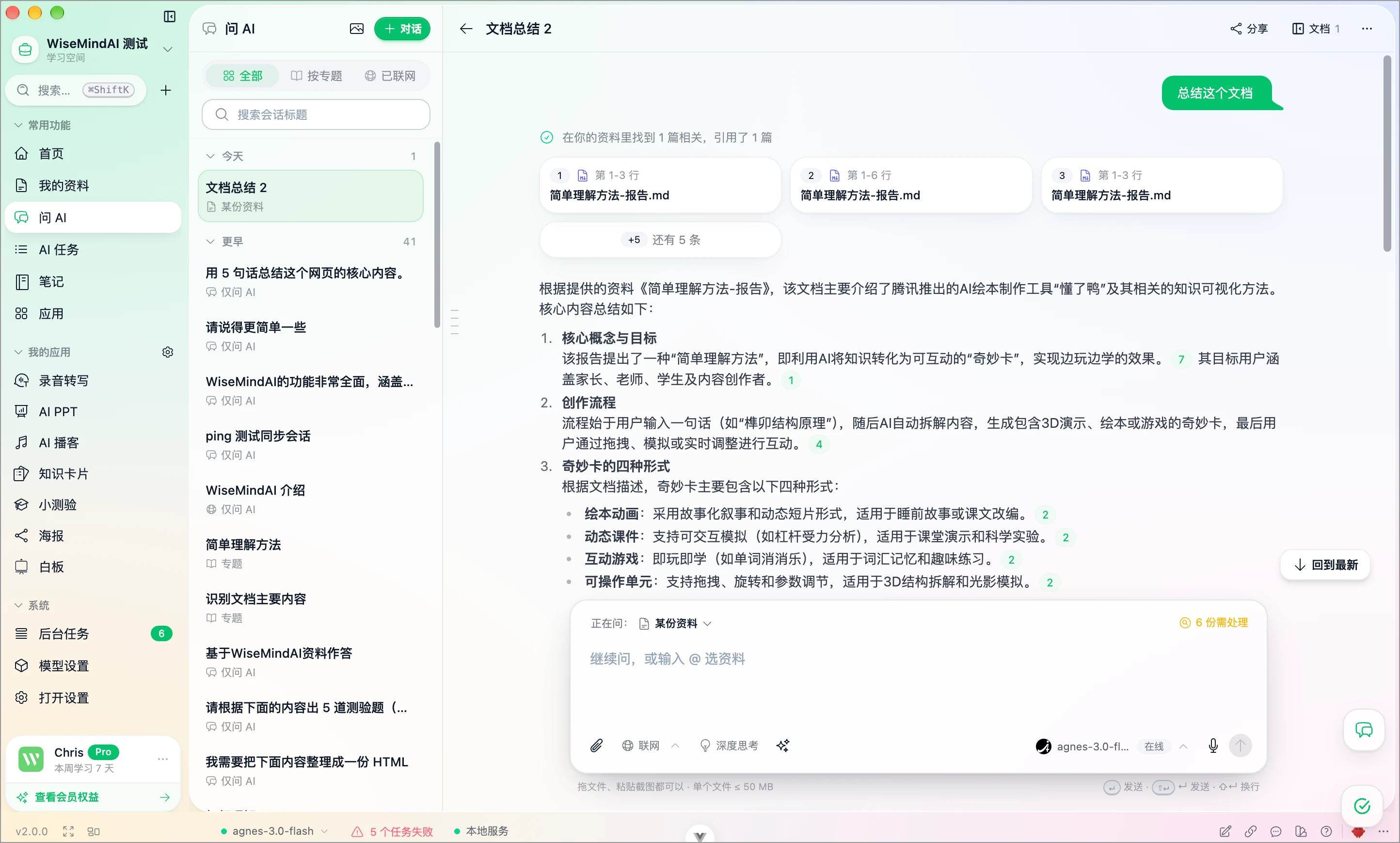
Ask this way first
Follow these steps to get started:
- Open Ask AI in the sidebar.
- Type your question in the input box and send it.
- Check source citations in the answer, and confirm they match the materials before you keep them.
- Ask follow-ups. If the previous scope still applies, you can ask things like “What does this word in the last paragraph mean?”
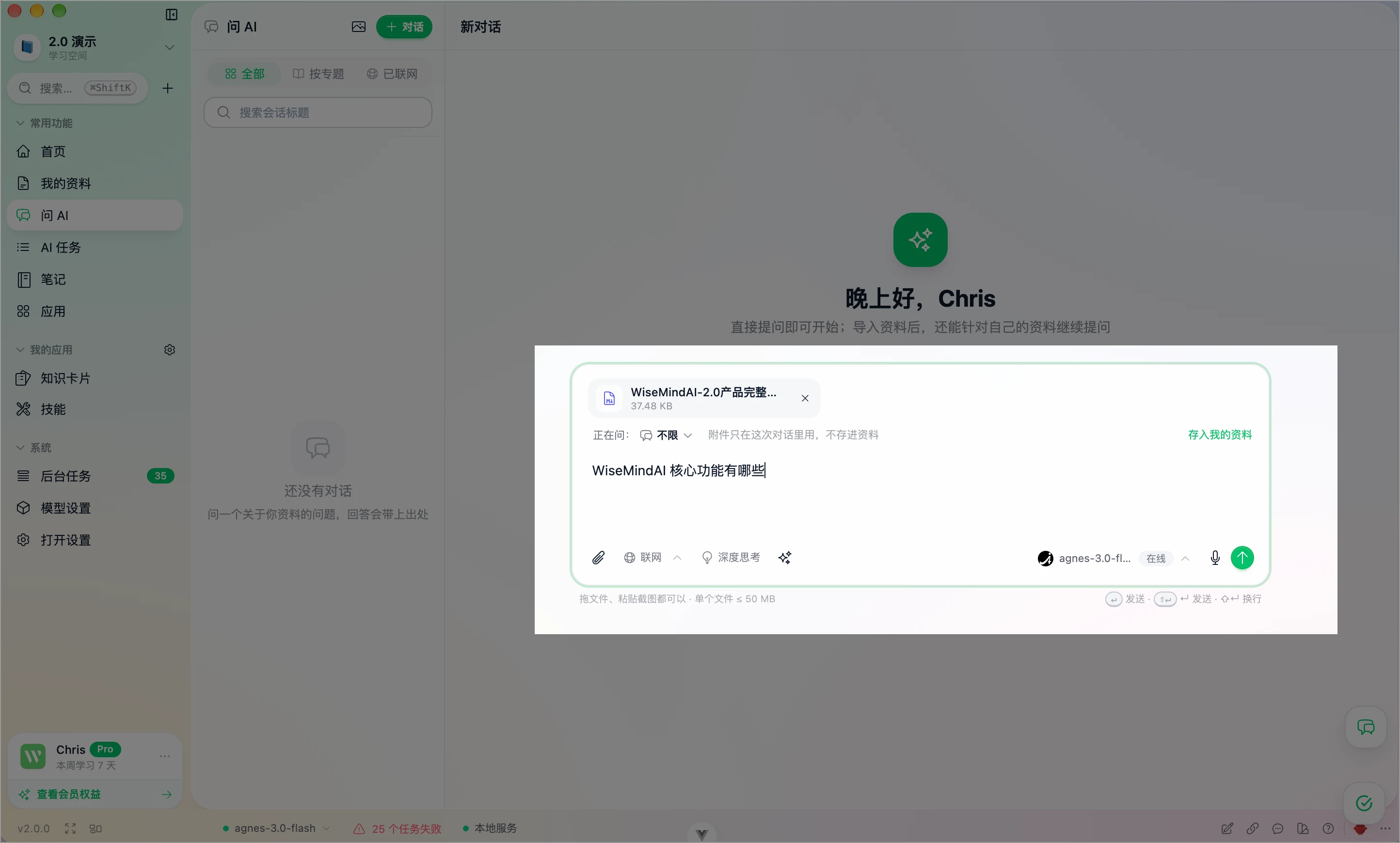
If the answer offers next steps (for example, make a note or review cards), continue from there. If you need multi-step work with a saved file result, use AI Task instead. Ask AI does not automatically save multi-step results as a set of files.
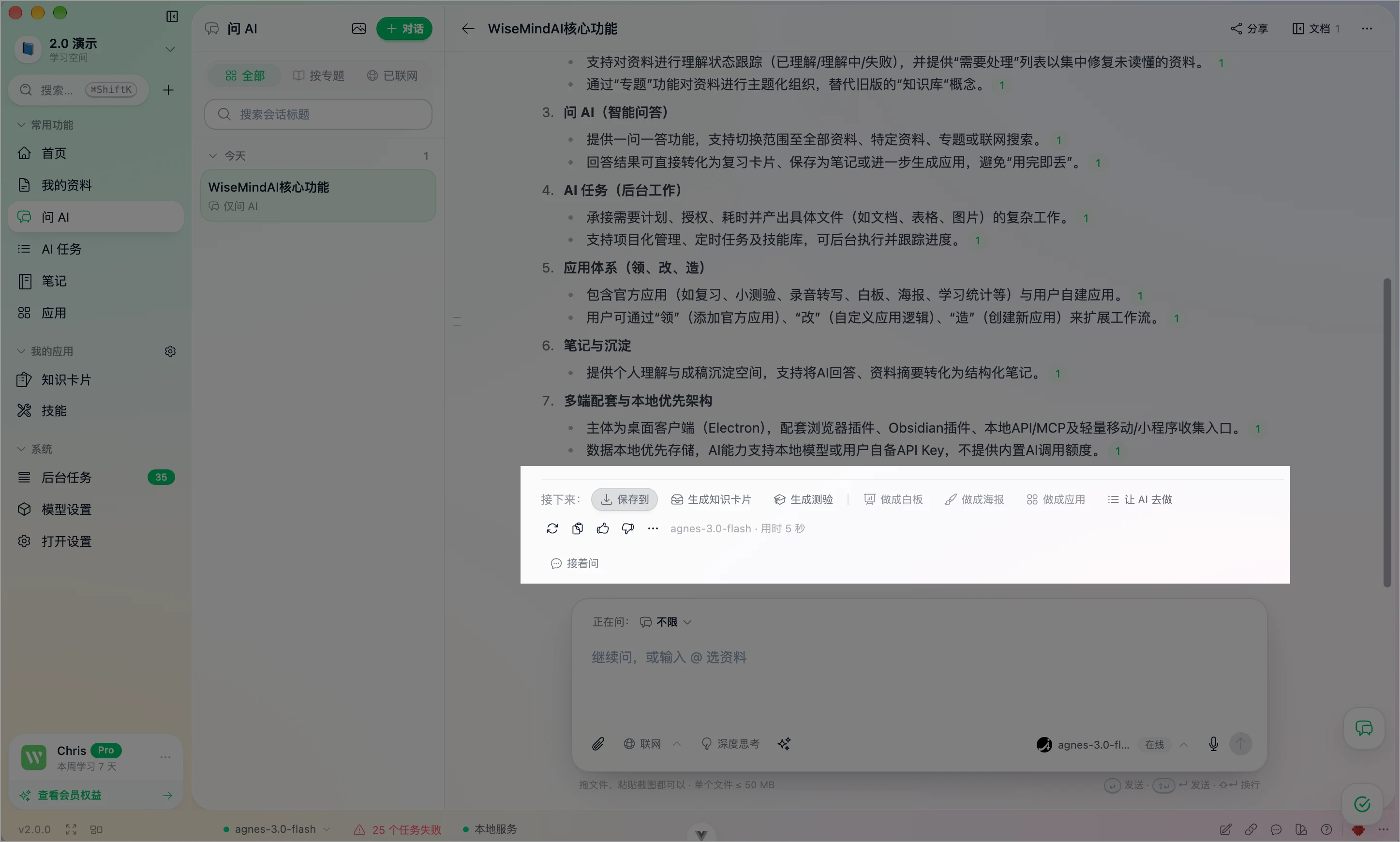
Choose the question scope
To keep answers closer to your materials, pick the material scope for this turn first:
- It can be one material or a topic.
- With no materials selected, the model can only answer from general knowledge and cannot cite files you have not imported.
- For a specific passage, paste that paragraph into the question, or note the page and heading.
If a topic has Answer only from topic materials enabled, the model will not fill gaps with general knowledge when nothing is found in the materials. That switch lives in the topic’s settings, not in global settings.
Common entry points
Besides Ask AI in the sidebar, you can also ask from:
- Sidebar New → Ask AI in a small window: open a temporary ask window without leaving the current page.
- Small-window entry in the bottom toolbar: enable the bottom toolbar first under Settings → Personality & appearance.
- Conversation in the learning panel after opening a material: ask about the current document; answers include sources.
- Ask AI together in batch actions on one or more materials: useful for follow-ups across materials in the same topic.
Make answers fit your habits
- Answer style: configure under Settings → Answer style, and switch in the input box when asking.
- AI memory: remembers preferences and background. Memory is not the same as materials; long documents still rely on materials and Embedding.
- Multi-model summary: let several models answer separately so you can compare side by side. See Model comparison.
//问 AI-回答风格
Common reasons asking fails
Without a usable chat model configured, asking will not start. If you only configured a chat model and not Embedding, retrieval for long documents is unavailable, though short Q&A may still work. Vector models live under Settings → AI & models → Embedding models.
Chat history stays in the current learning space. After switching spaces, you cannot view Q&A from other spaces.
Related: My Materials · Topics · AI Task