
Poster
Poster turns notes, materials, or selected text into a shareable image. Open it from Apps, or pin it to the sidebar. Posters lean toward shareable images; infographics lean toward structure.
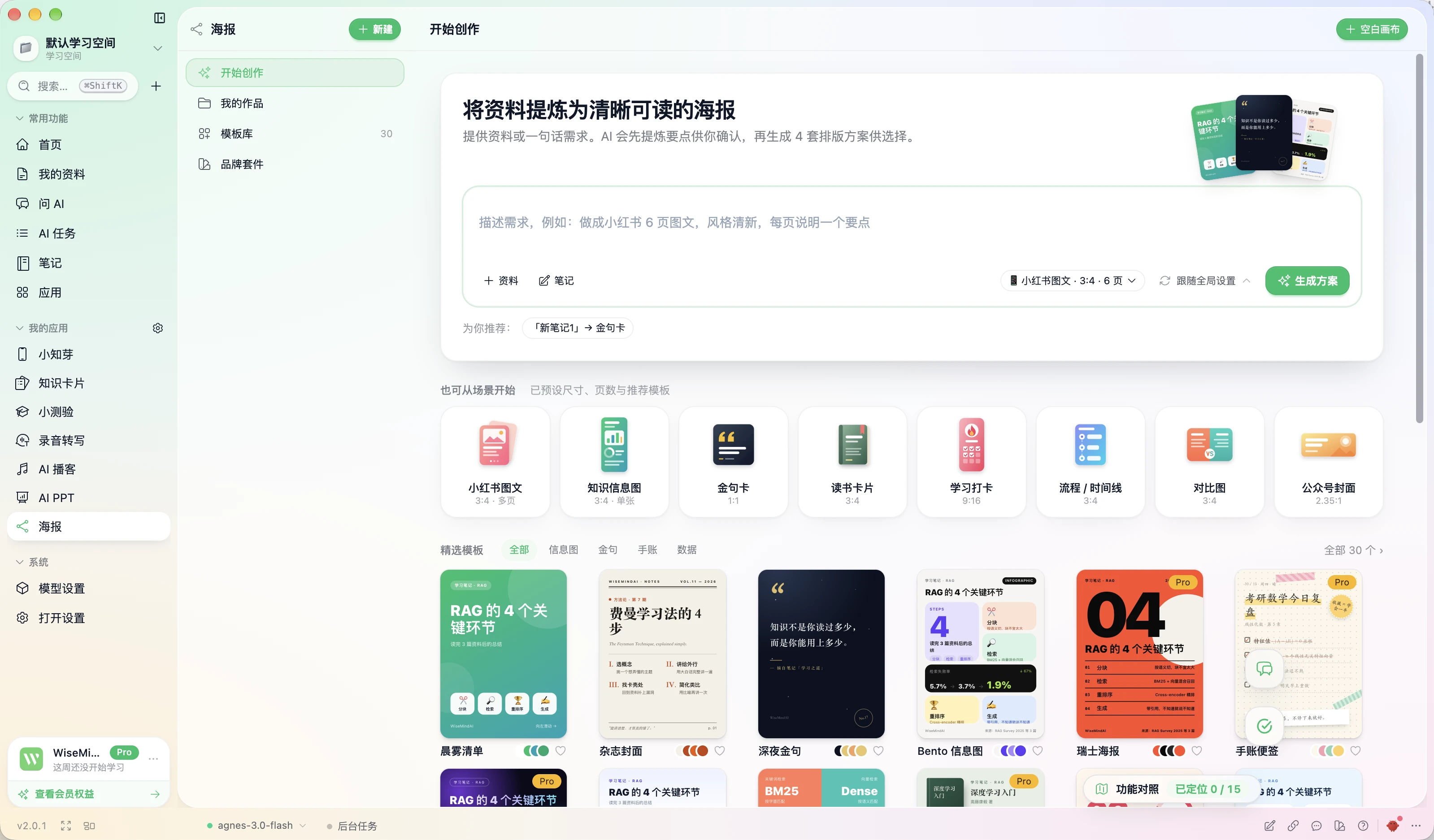
Make one image
- Open Apps → Poster, or choose Make an infographic from Next after finishing a note.
- Choose a note, material, or a passage. The content scope is only what you selected; files not included are not pulled in automatically.
- Pick a template, preview, then export an image.
- For an AI background, configure a model under Settings → AI & models → Image generation models first. Without that, backgrounds cannot generate. Template-only use does not need an image model.
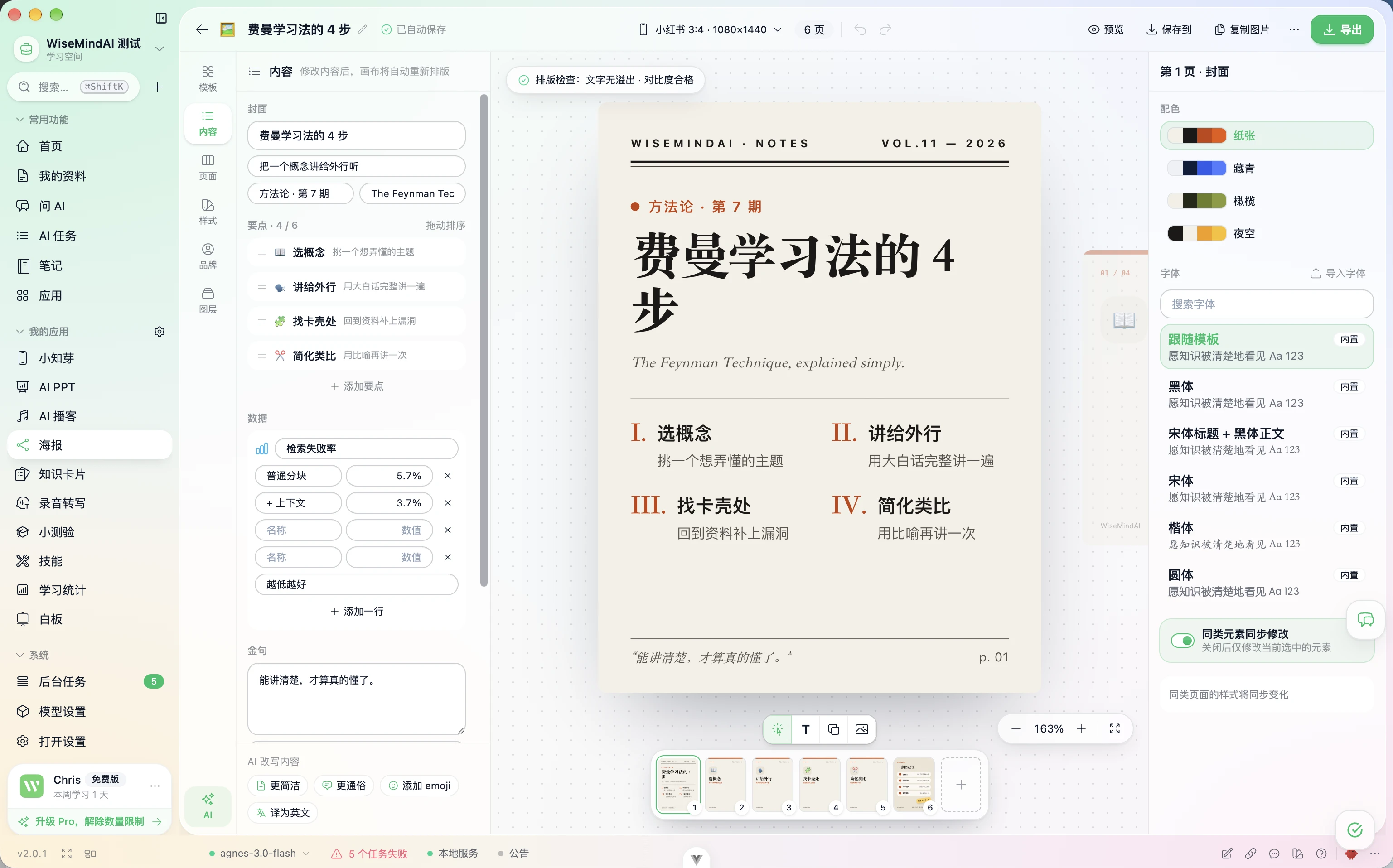
Custom poster templates are managed inside Poster. Poster works stay in the current learning space. Infographics are the more structure-focused option in the same kind of visual output. See Knowledge Infographic.
Related: Built-in apps · Image generation key