
Obsidian plugin: review, transcription, and search
Review
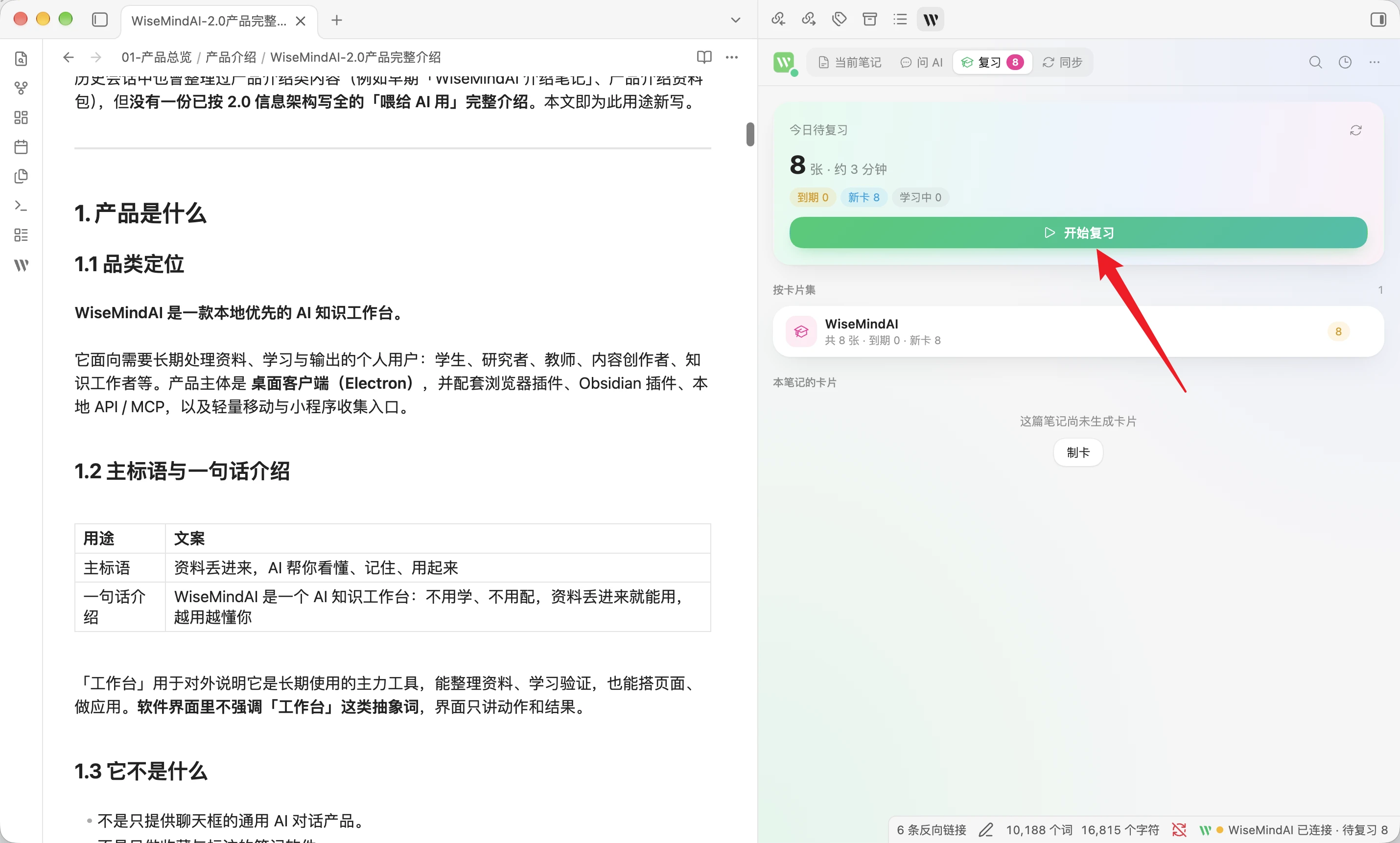
The Review side panel shows cards due today, new cards, and cards in learning. Start by card set, or practice only cards from this note.
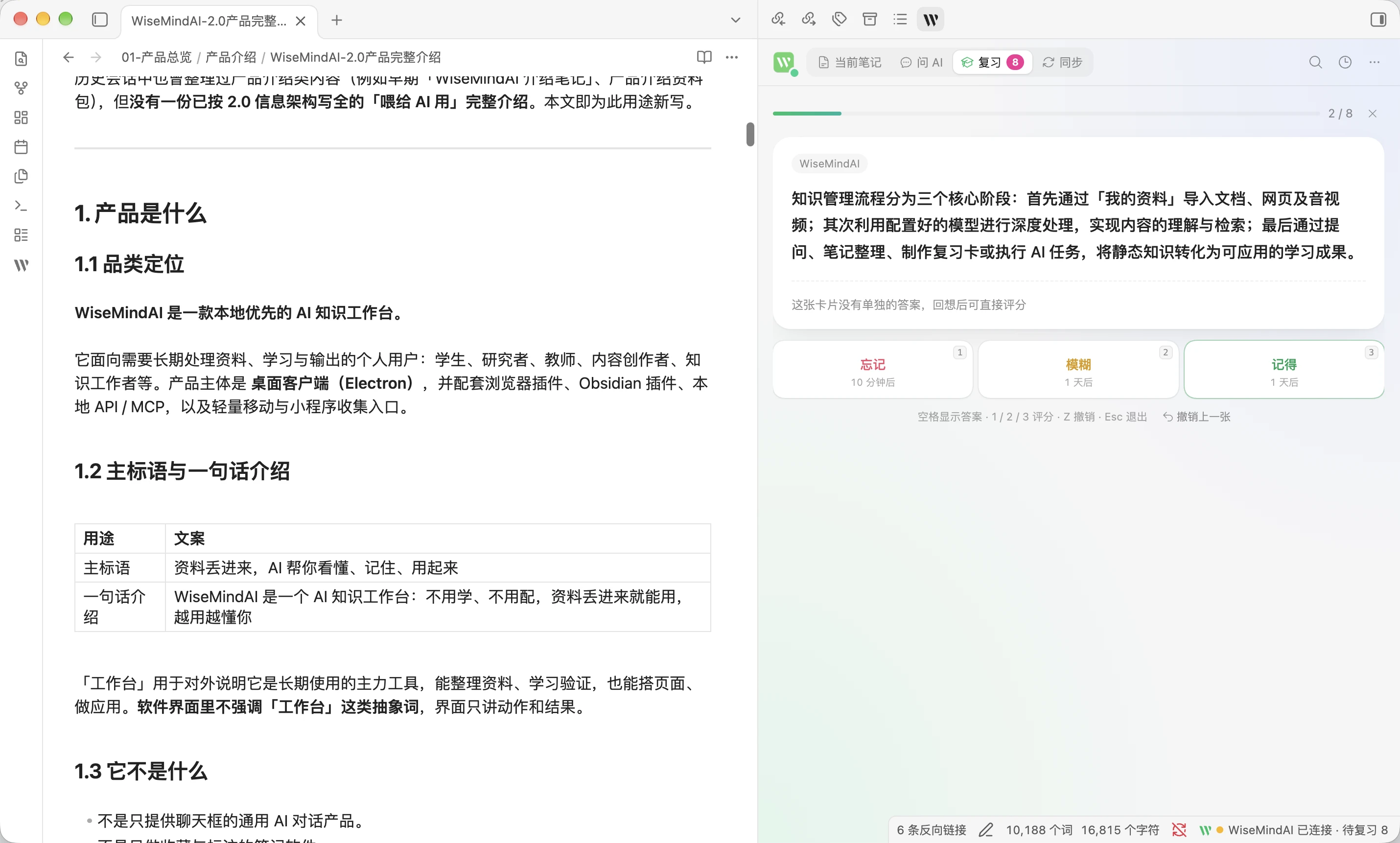
- Space: show answer
1/2/3: Again / Hard / GoodZ: undo previous cardEsc: end (scored cards are saved)
Review progress is written back to WiseMindAI. You can set a per-session limit, whether to include new cards, daily reminders, and whether to update card source paths after a note is renamed.
Live recording and transcription
// TODO in development
Start a meeting, class, interview, or idea capture from the WiseMindAI side panel or a command.
- During recording you can view live text, pause and resume, and keep confirmed text writing into a chosen Obsidian note.
- Afterward you can organize a summary, key points, and todos.
- Requires a working live-transcription provider configured in the desktop app.
Steps:
- Open “Live transcription” with a command.
- Choose the scene, transcription provider, and microphone; optionally save audio, separate speakers, and write live into the current note.
- Use a 5-second test to confirm volume.
- While recording, pause, mark key points, and capture todos.
- When finished, generate minutes, insert into the current note or create a new note, or continue organizing in the client.
Live write locks the target note chosen at start. The plugin keeps the latest 30 transcriptions started from Obsidian; full history lives in WiseMindAI.
Dual search
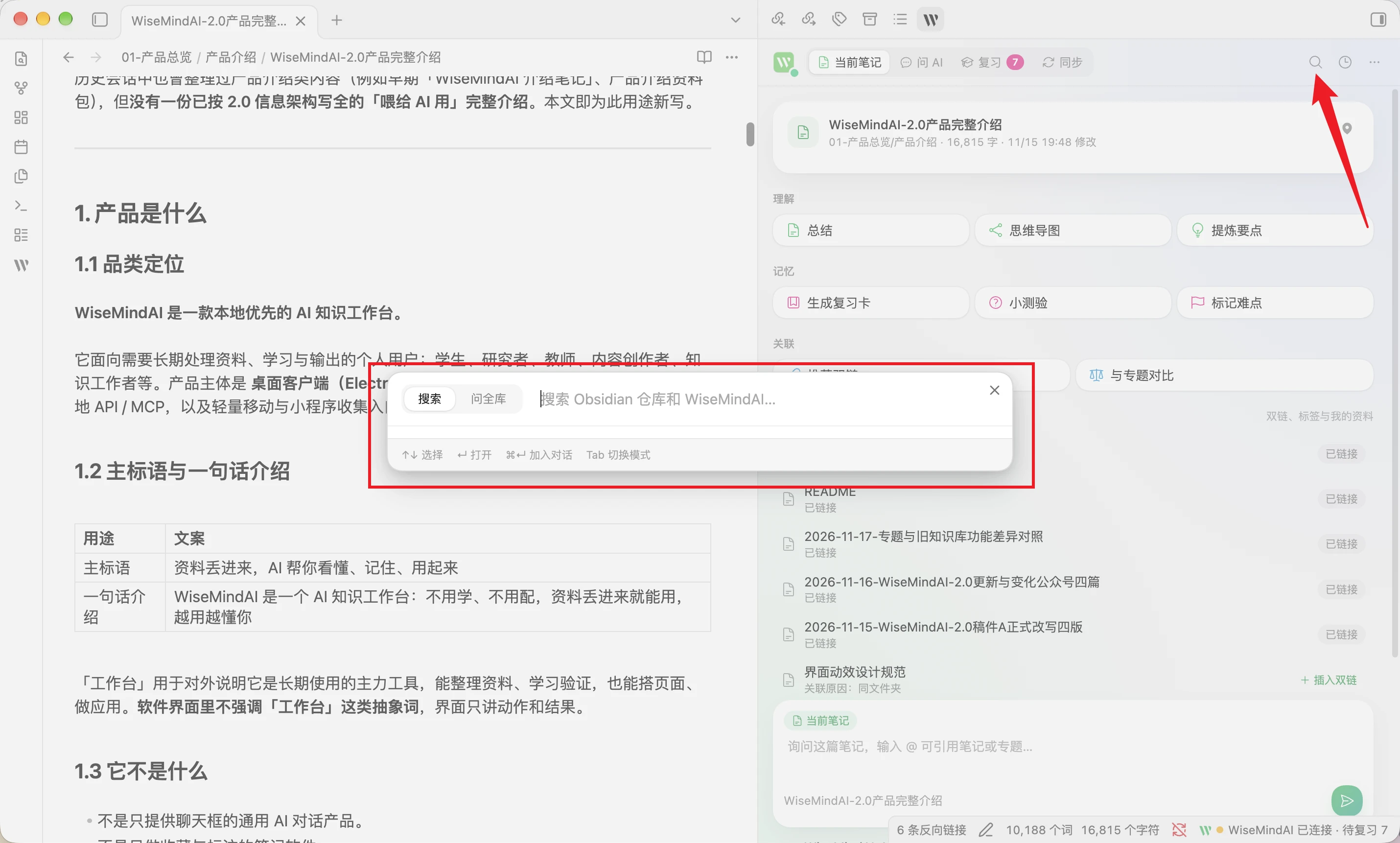
Search Obsidian notes and WiseMindAI local content in one panel, then open the source you need.
After opening “Search Obsidian and WiseMindAI”, you can:
- Search: query the vault and WiseMindAI local content together
- Ask the library: ask with sources attached
From results you can open the original, insert a wikilink, add to chat context, or open in the client. Vault results still show when the desktop app is disconnected.
Next: Settings and FAQ