
Xiaozhiya: Intro and getting started
Xiaozhiya is an AI personal knowledge assistant that runs as a WeChat mini program. It helps you save articles, documents, and text on the go, then uses AI to organize them into quick reads, deep reads, and actions—plus search, grounded Q&A, garden digests, and review cards.
For a fuller overview, see: Xiaozhiya intro
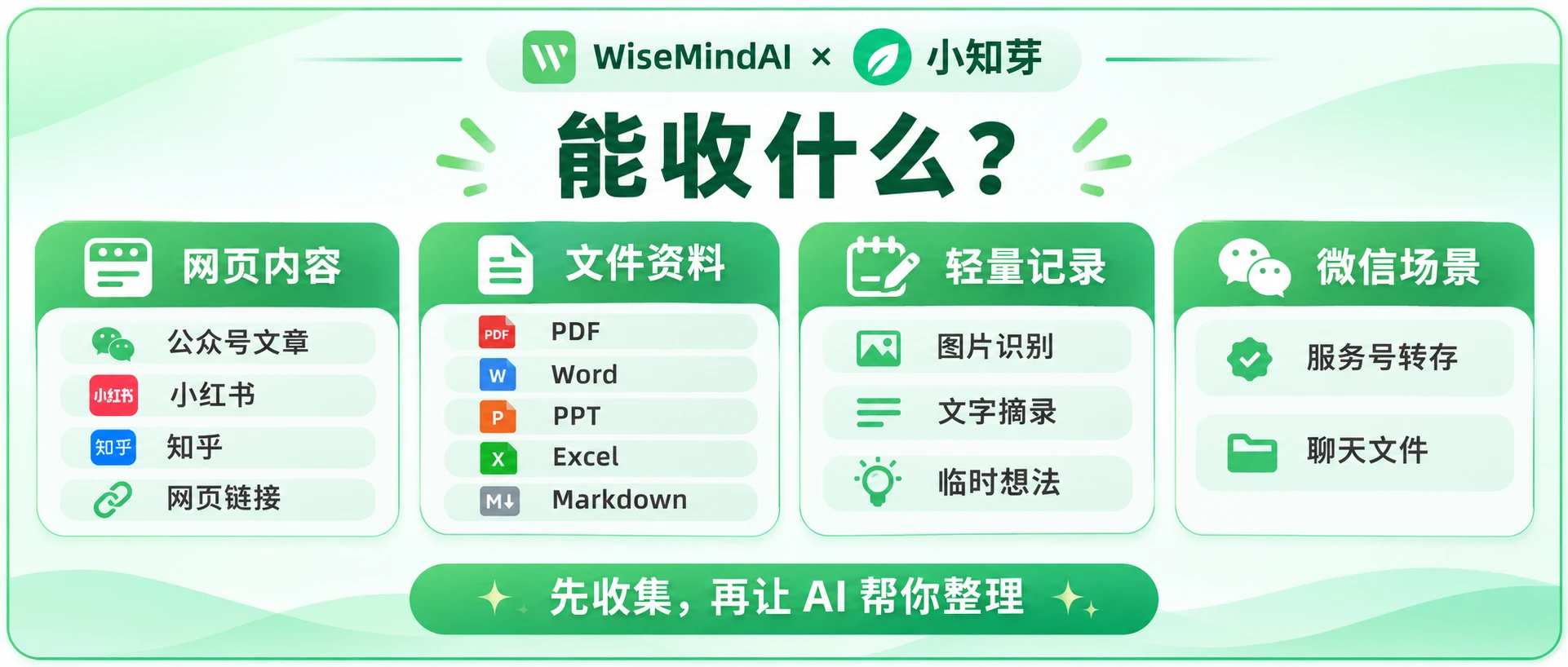
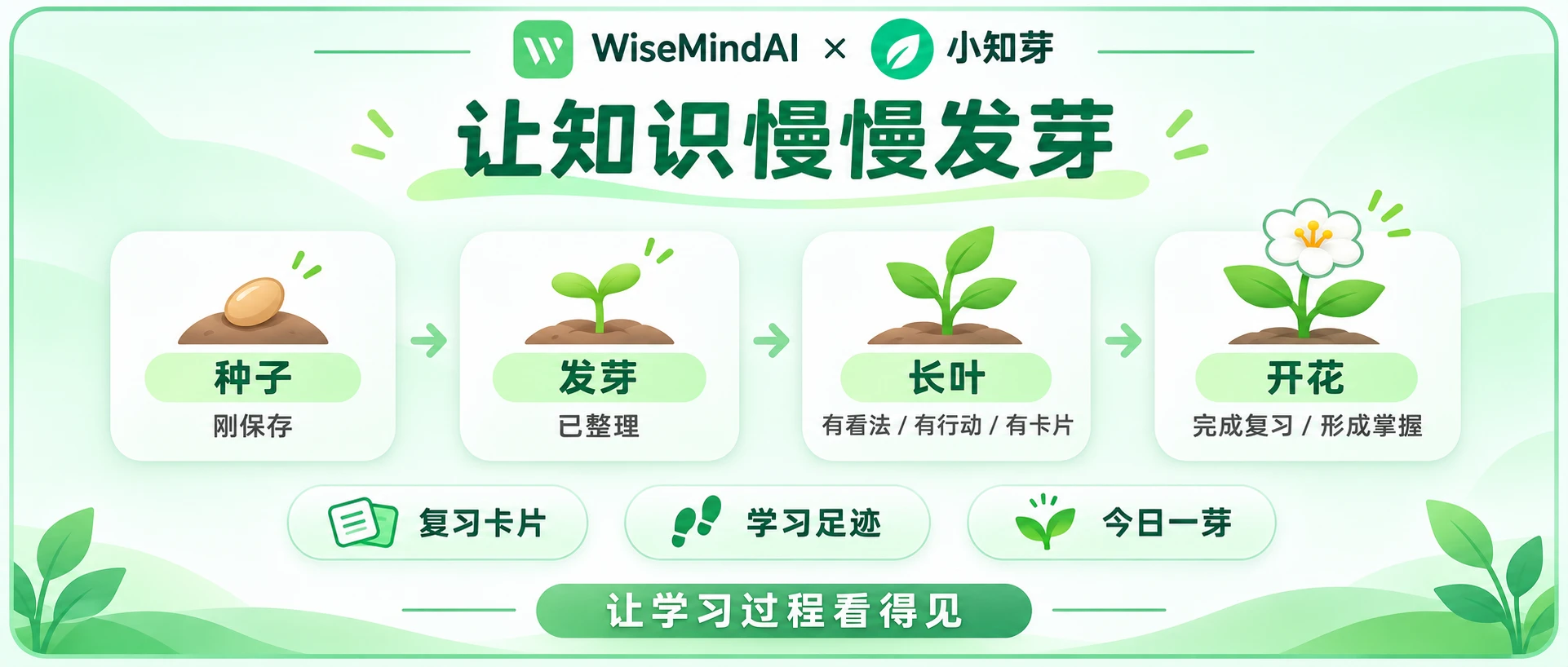
Save in WeChat with Xiaozhiya first—understand, find, and remember. Let knowledge sprout.
Xiaozhiya and WiseMindAI
Xiaozhiya and WiseMindAI are complementary. The desktop app focuses on deep work at a computer. Xiaozhiya focuses on quick capture and follow-up digestion inside WeChat. They are separate products.
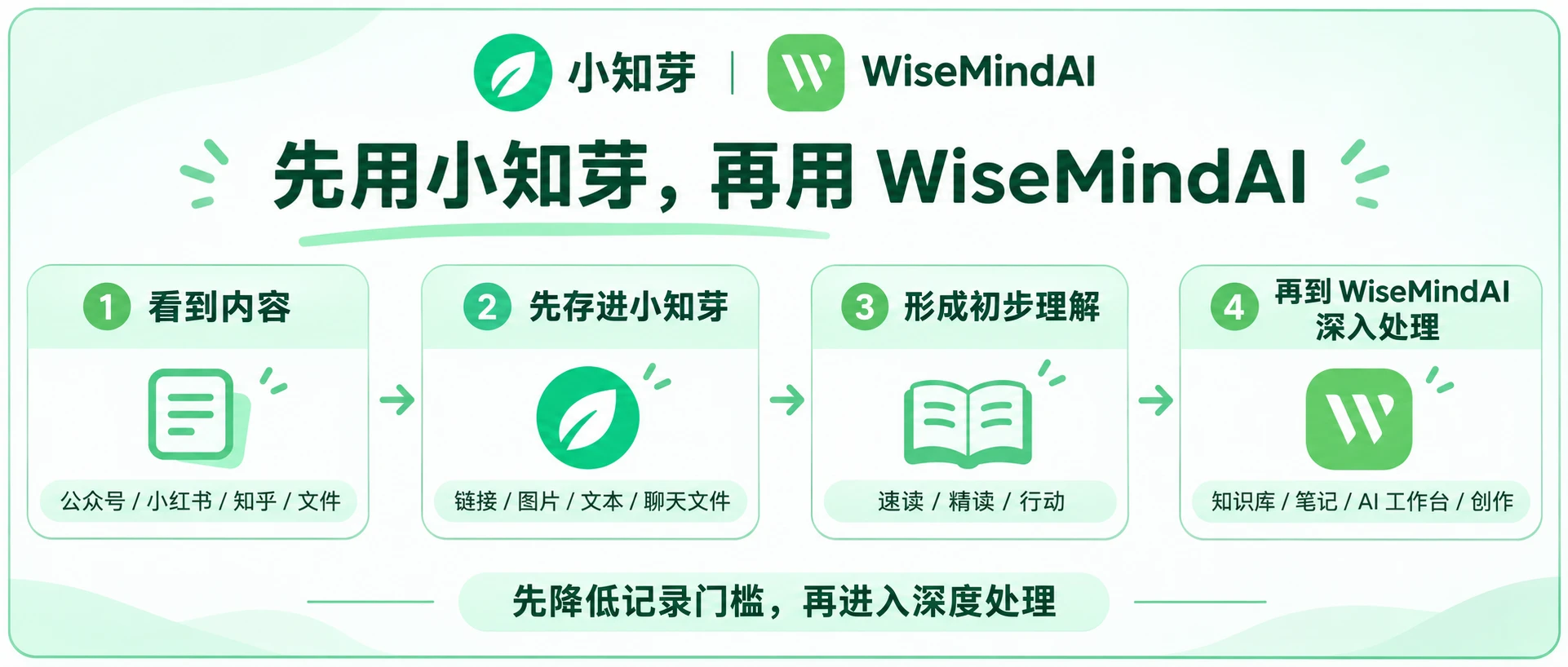
A typical flow:
- Find a good article, image, or text in WeChat, Zhihu, and similar apps
- Save it to Xiaozhiya to generate a quick read, deep read, and actions
- Import into WiseMindAI for deeper work
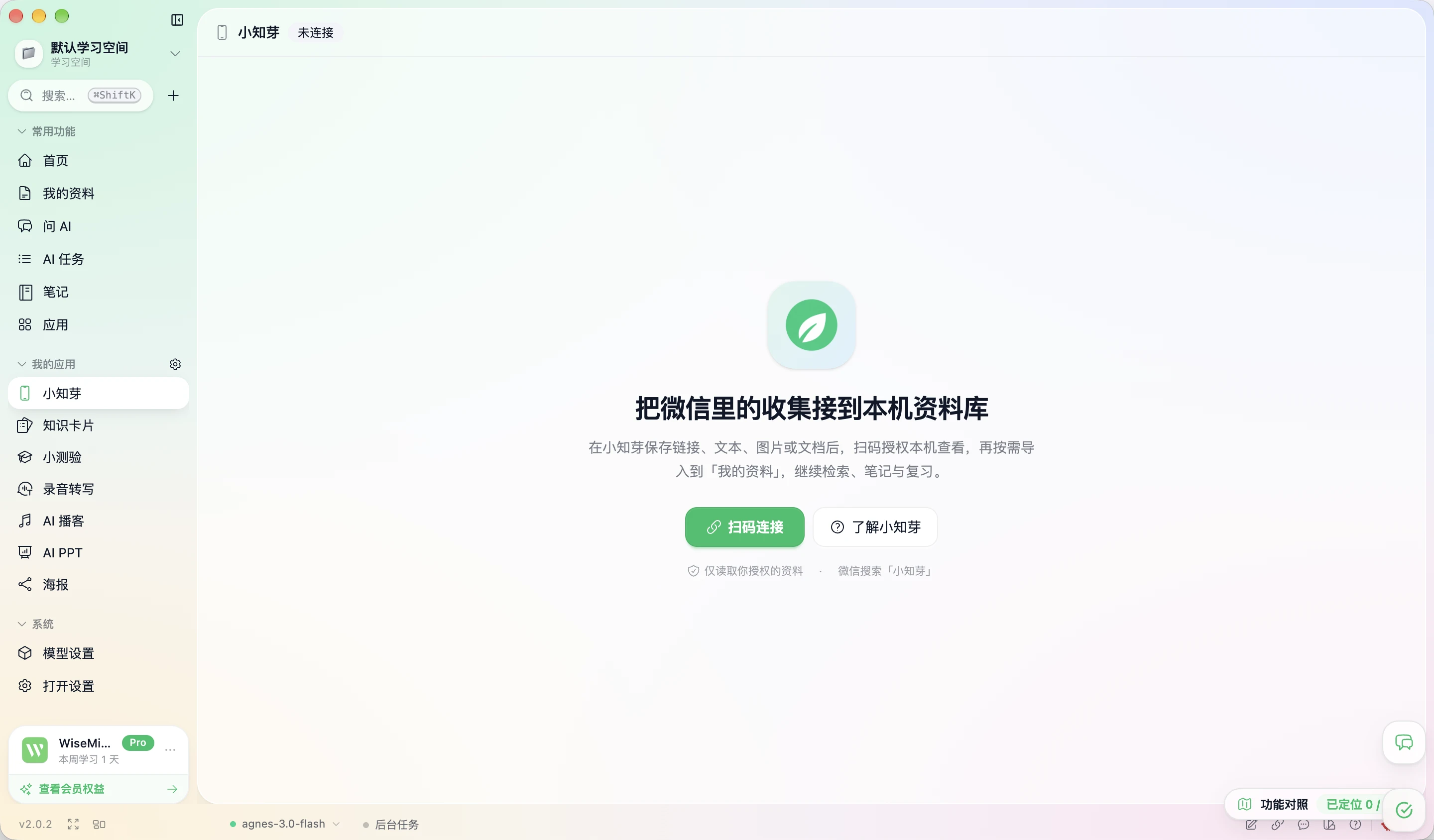
How to open it
- In the WiseMindAI Apps center, enable and open the Xiaozhiya app, then click Scan to connect on the page
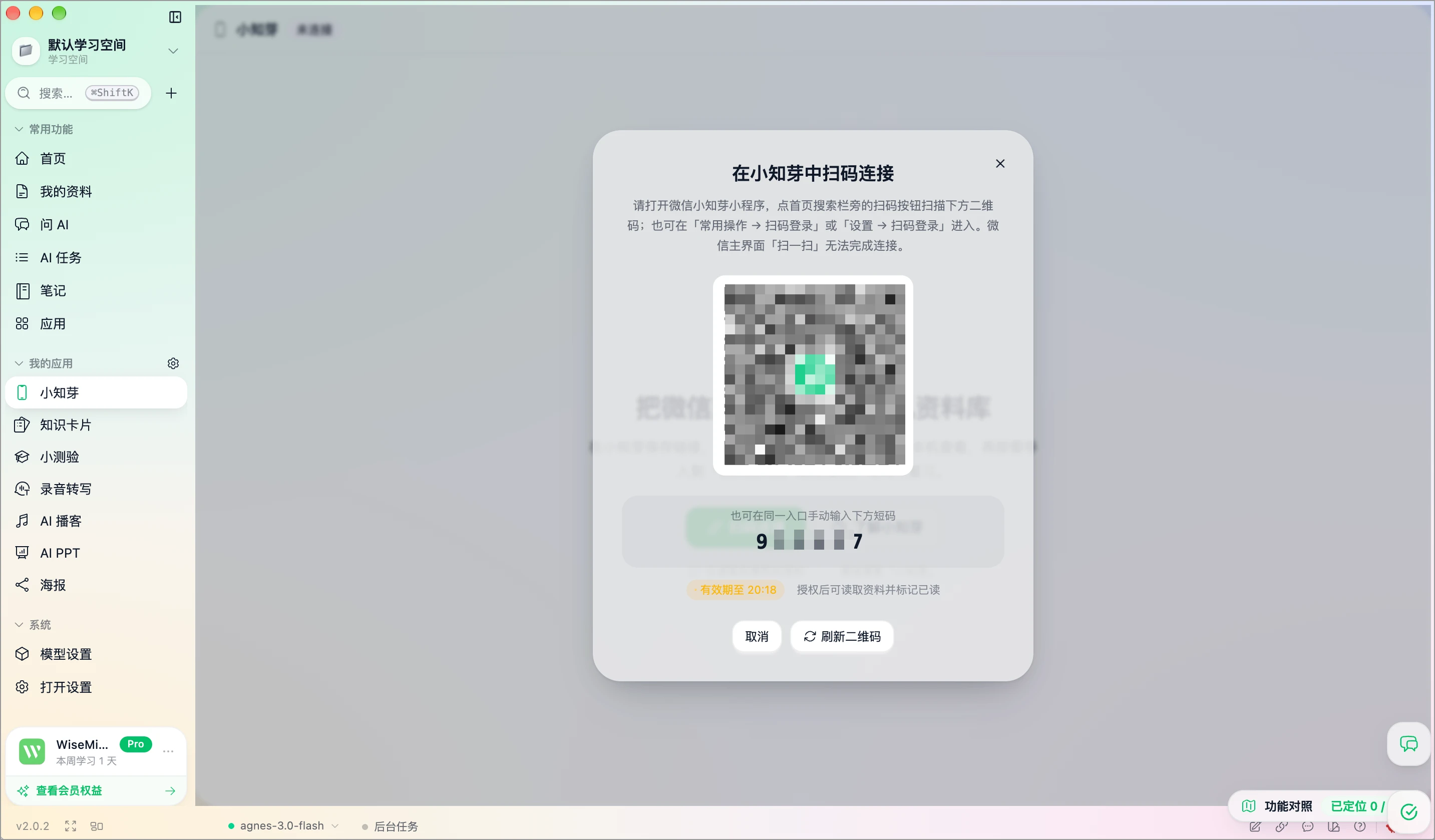
- In WeChat, search for 小知芽 (Xiaozhiya), or scan the Xiaozhiya mini program QR code below.

- On the Xiaozhiya mini program Home, tap the Scan to sign in icon and scan the Xiaozhiya QR code shown in WiseMindAI to authorize sign-in
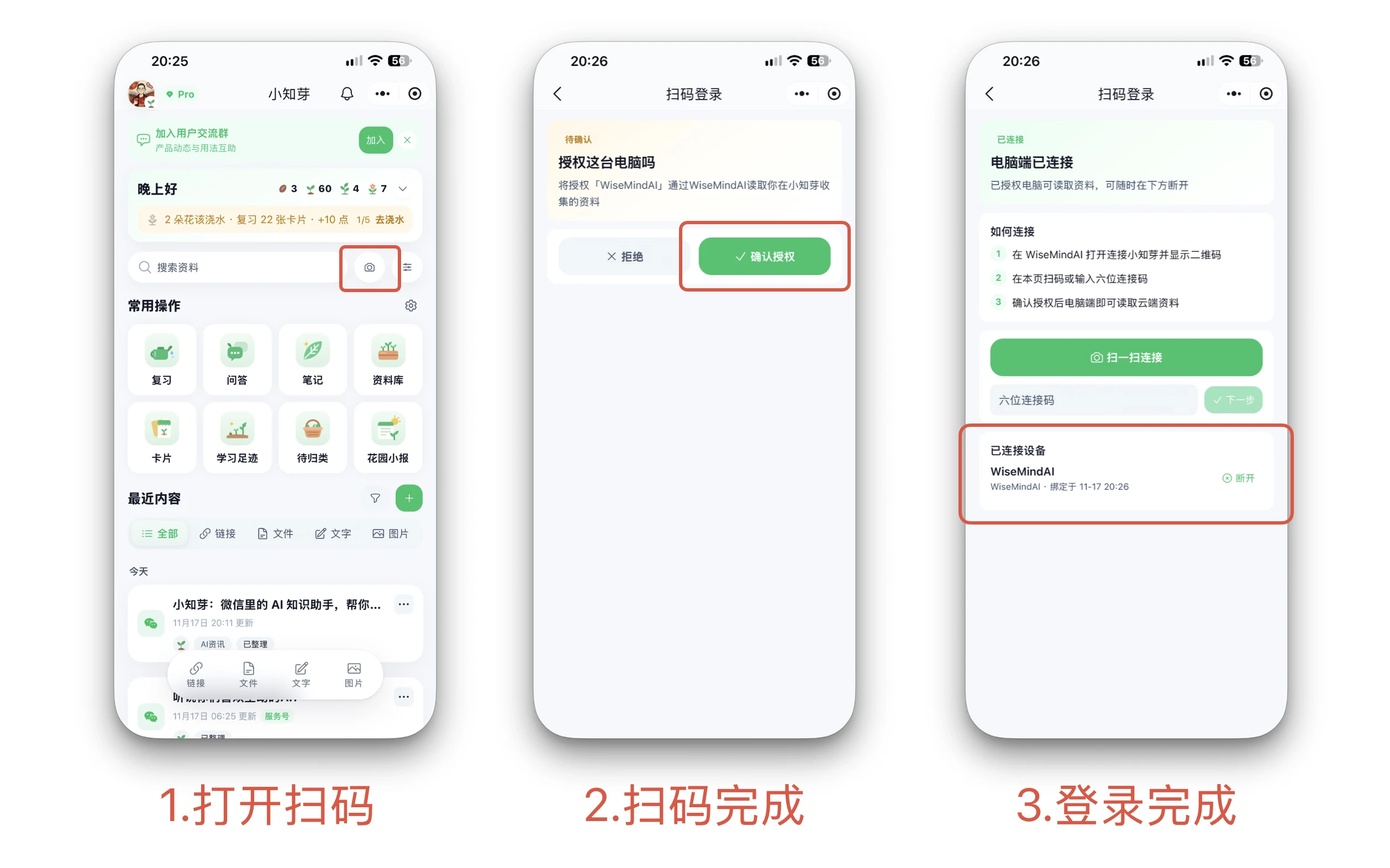
Core workflow
- Save content: links, text, images, chat files, or messages to the Xiaozhiya official account.
- Understand content: AI turns it into a quick read, deep read, and actions.
- Search and ask: search, tags, libraries, grounded Q&A with citations, and garden digests.
- Review and reinforce: review cards, sprout stages, and learning footprint.
How to use it
After you sign in to Xiaozhiya in WiseMindAI, the page shows all article links, images, text, and documents from Xiaozhiya:
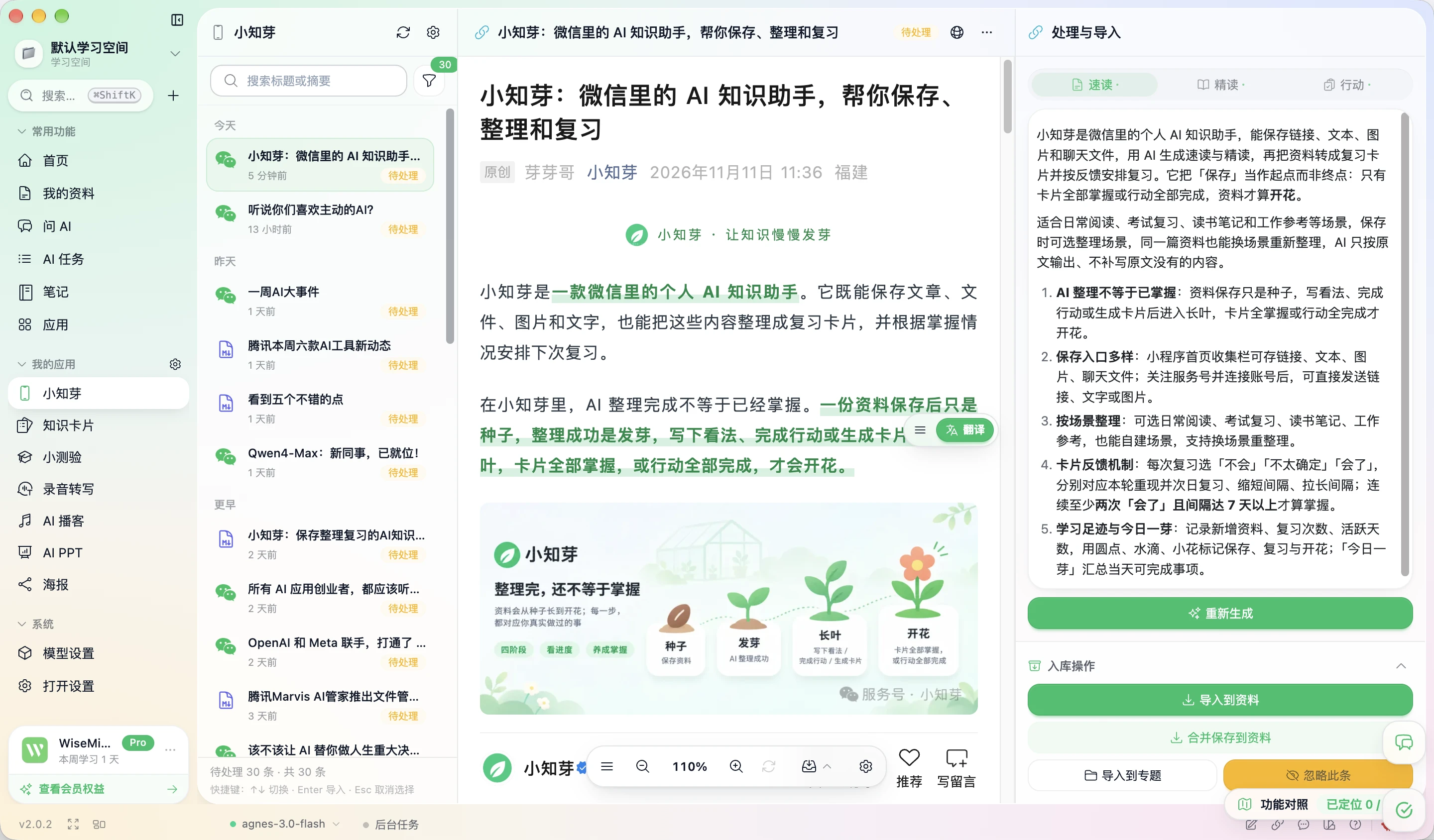
Open any item and the right panel shows its quick read, deep read, and actions—matching what you see in the mini program.
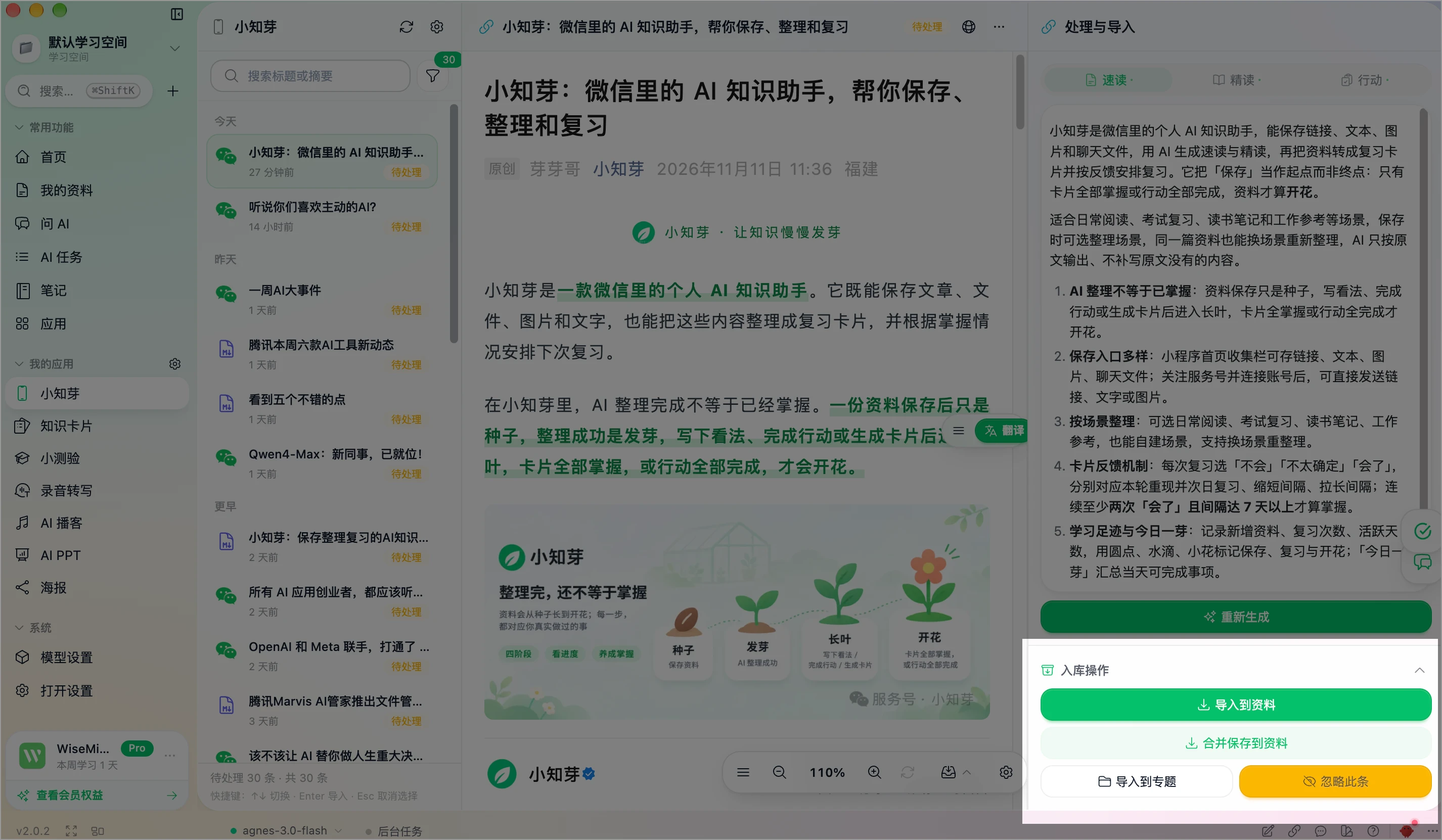
At the bottom of the right panel there are four common import actions:
- Import to materials: import the original Xiaozhiya item into WiseMindAI My Materials.
- Merge and save to materials: merge the quick read, deep read, and actions, then save into My Materials.
- Import to a topic: import the original item into a topic under My Materials.
- Ignore this item: remove it from the left Pending list.
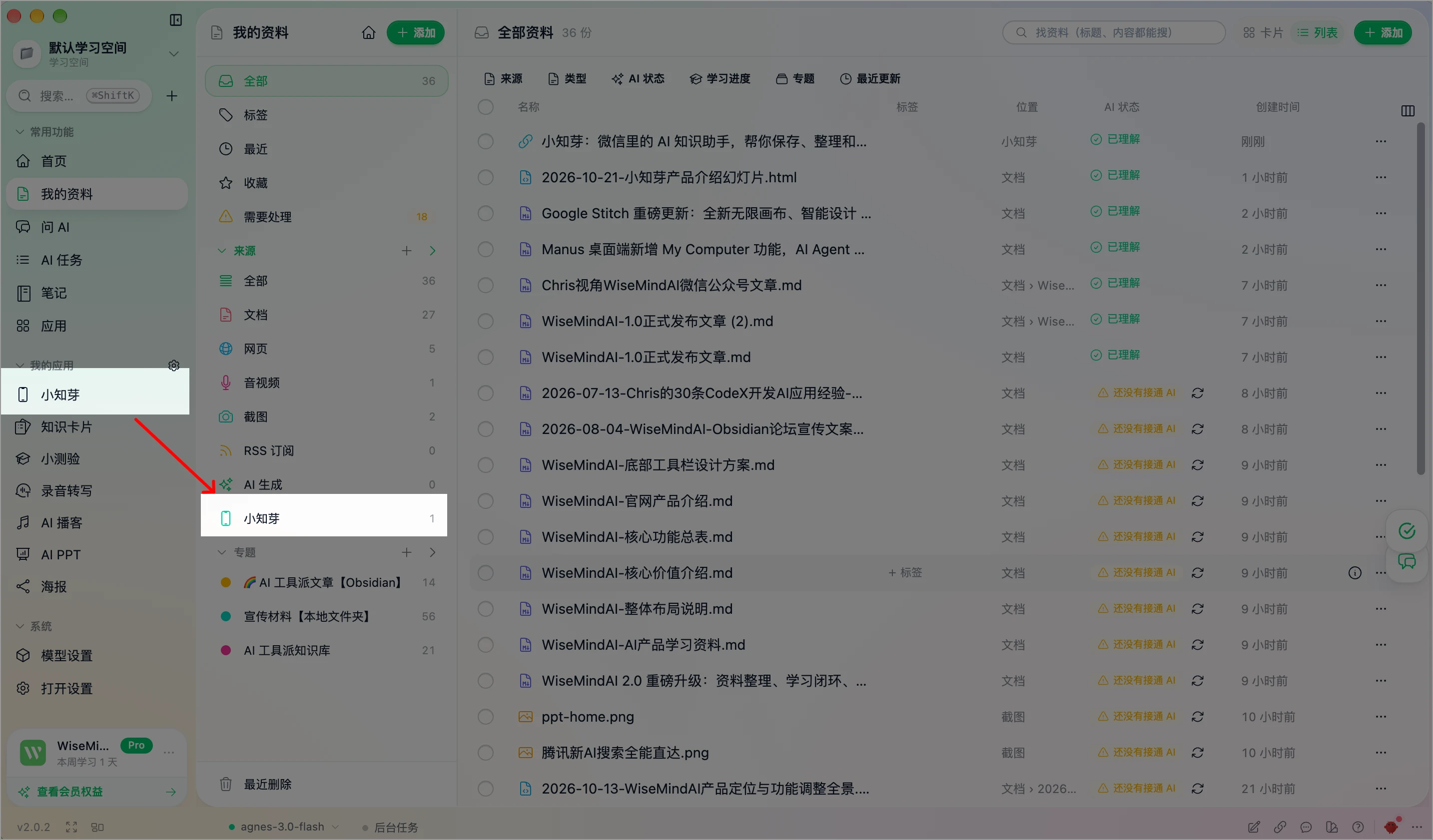
After you choose Import to materials, the items appear under the Xiaozhiya group in My Materials:
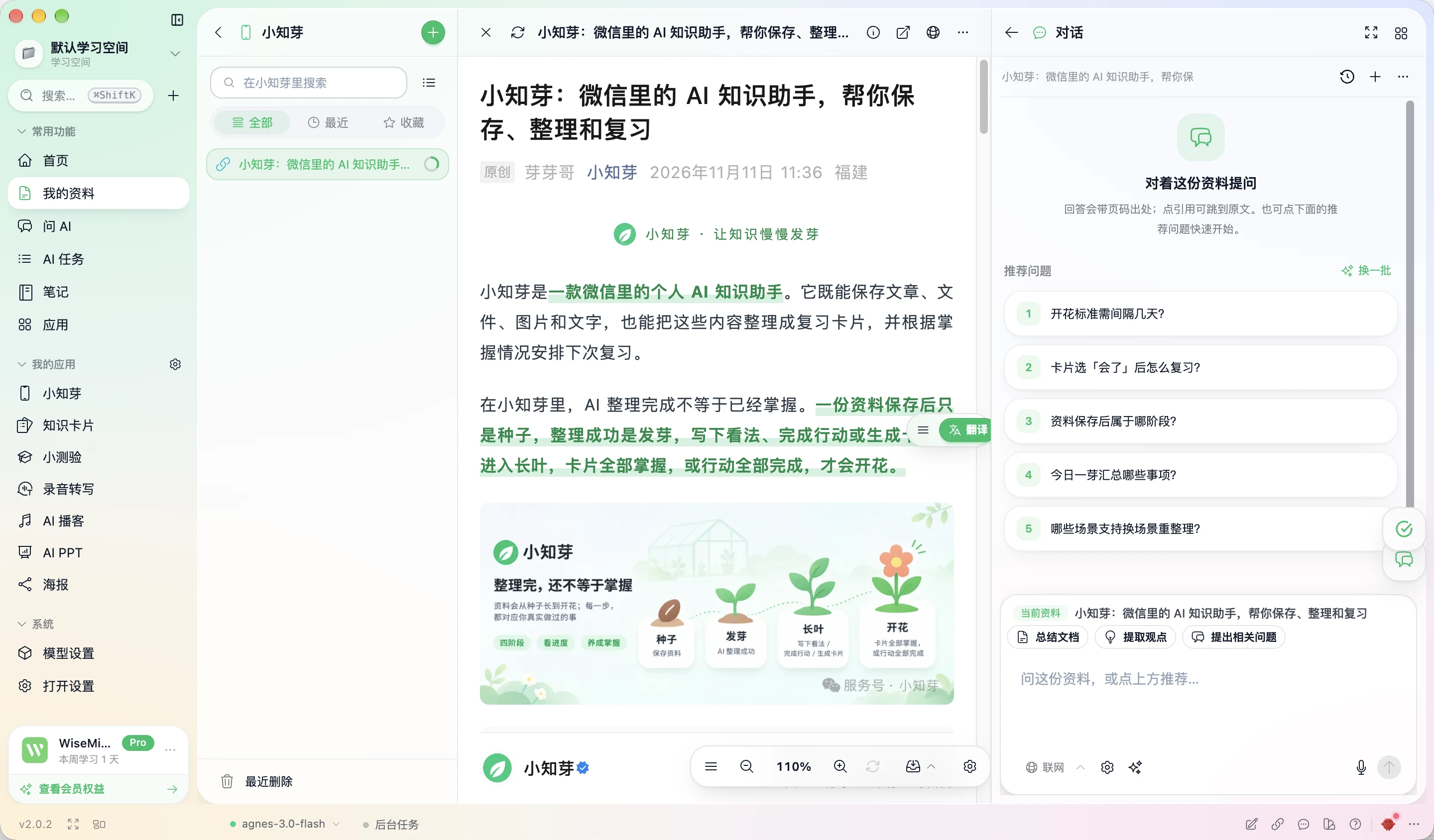
Opening one works the same as opening a link in WiseMindAI, including the right learning panel.
Who it is for
- People who often read Official Accounts, Xiaohongshu, Zhihu, or Toutiao and want to save first, then decide whether to read the full piece.
- People who get PDFs, slides, and reports in group chats and want text extraction and organizing without digging through chat history.
- People studying a topic who need exam- or reading-oriented organizing and cards for next-day review.
- People who save a lot in a week and want garden digests that summarize key points by theme with sources.
Related: Browser extension · Obsidian plugin · My Materials