
Download WiseMindAI
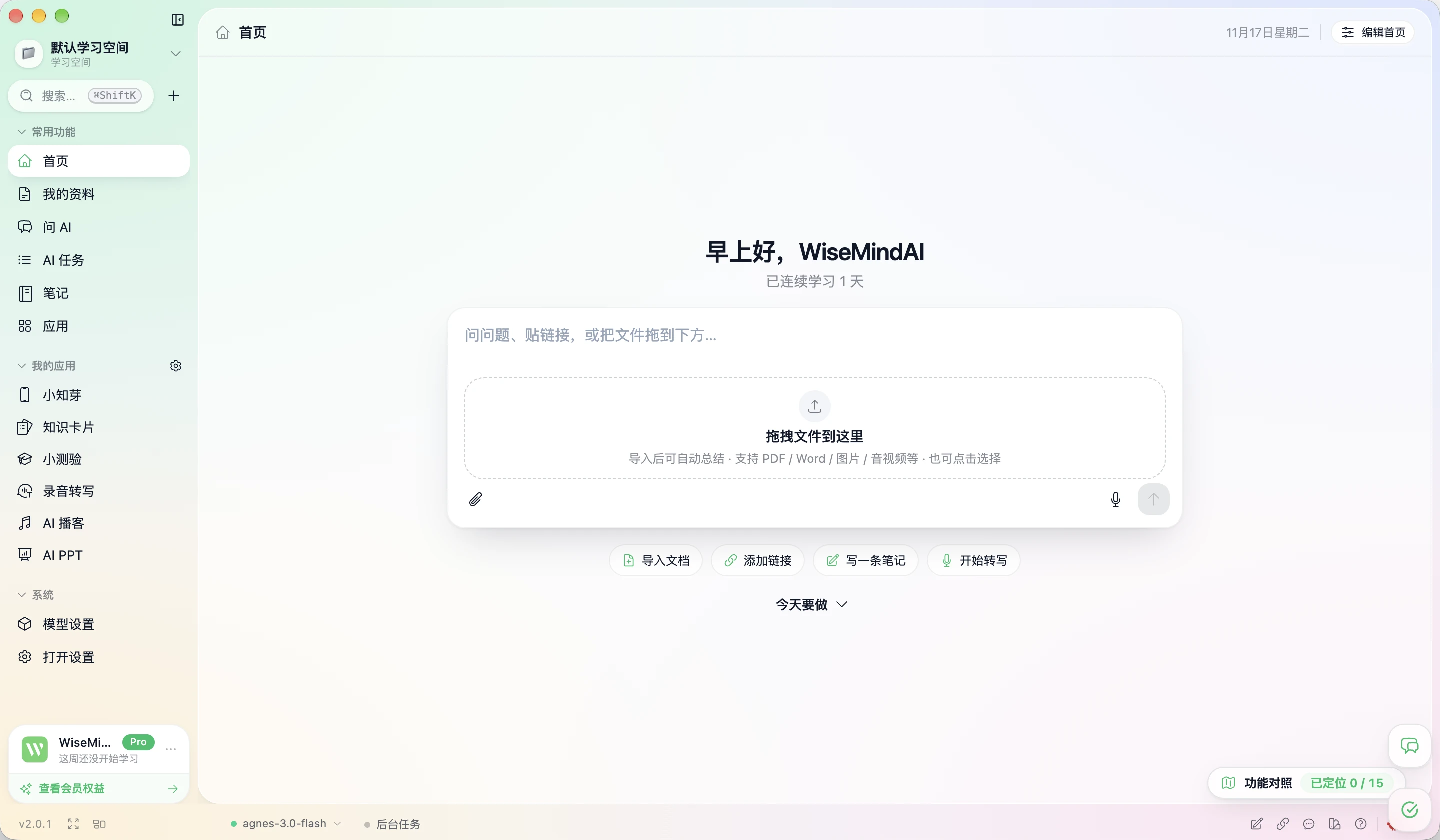
WiseMindAI is a local-first AI knowledge workspace. Add your materials, and AI helps you understand, remember, and put them to use. Materials stay on your computer by default, and you configure your own models.

Pick the right version
We detected your system and highlighted the recommended build. You can also pick manually.
macOS · Apple Silicon
Apple Silicon (ARM64)
For Apple M-series chips (M1 / M2 / M3 / M4)
Windows
x64 (64-bit)
For Windows 10 and 11 (64-bit)
Up and running in three steps
- 01
Download
Pick the build for your system. The fast mirror is recommended.
- 02
Install
On macOS drag the app into Applications; on Windows run the installer.
- 03
Add a model and go
After opening, connect a model under Settings → AI & Models. A local model can be downloaded from the setup guide.
Offline AI Pack
The Offline AI Pack includes the Ollama installer and default local models. Download the main app first, then download the pack for your system to enable local AI in offline environments. After installing WiseMindAI, import it from Settings > AI & Models > Local Models.
- Mac Apple Silicon (ARM64) For Apple M-series chips
- Windows Offline AI Pack For Windows 10 and 11 (64-bit)
- FunASR Offline Pack Local transcriptionIncludes lightweight and high-accuracy Chinese-English models, a Cantonese model, punctuation, and speaker models. Import it for local real-time transcription and audio transcription without downloading models online.
Changelog
Published changes, listed by version.